
The cockpit in your hand
aerOne FD Pro includes a companion that runs in the browser of any phone or tablet on the same network as your simulator PC. There is nothing to install on the device.
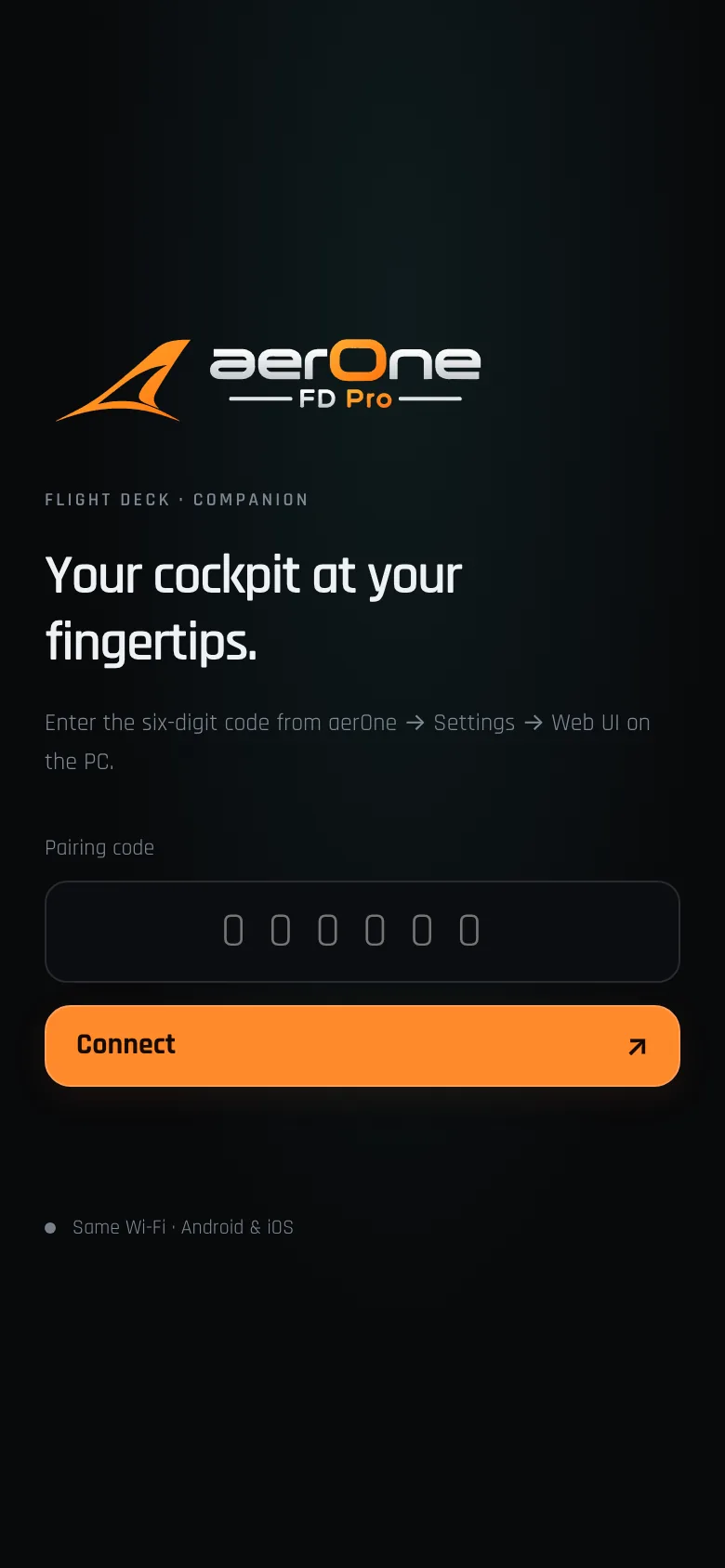
Pair once, fly from any screen
- Start the companion on the PCOpen Settings → Web UI in aerOne, or use the Web UI button in the top bar, and press Start / Apply. The network and a free port are chosen automatically.
- Open the address on your deviceConnect the phone or tablet to the same Wi-Fi and open the address shown, for example
http://192.168.x.x:port/. If Windows asks, allow access on private networks. - Enter the pairing codeType the six-digit code shown on the PC. Codes are valid for 12 hours. “New code / revoke devices” signs every device out.
The screenshot shows the companion’s pairing screen exactly as the app serves it.
What you can do from the device
The companion follows the desktop navigation and works in portrait or landscape.
Overhead
Real and simple panels for supported aircraft, with guard handling and read-back.
CDU / MCDU
The aircraft’s FMC pages with touch keys; Fenix and FlyByWire open their own remote MCDU.
Checklist
Updates the same checklist as the desktop, so either screen can tick items.
Briefing & map
SimBrief route, fuel, weights and METARs, plus the live map.
Ground
GSX menu, MSFS services and the tug console with hold-to-drive and emergency stop.
PFD / EFB
Captured MSFS displays and aircraft tablets, streamed from the PC.
ImmerseMotion
Start or stop camera effects, change presets and preview sound layers.
Flight Desk
Assistant reminders, records, walkaround and approach practice.
Private by design
- Local network onlyThe companion listens only on your PC’s private network address. It does not use port forwarding, tunnels or a public address, and it offers no access from the internet.
- No firewall changesaerOne never edits Windows Firewall rules. If Windows prompts, you decide whether to allow access on private networks.
- Paired sessionsUp to eight paired sessions, secured with strict cookies and request checks. Codes and sessions live in memory and reset when aerOne restarts.
- Safe ground controlOnly one device drives the tug at a time. Releasing the hold control, losing focus or a lost connection stops the tug; any paired device can trigger an emergency stop.
Requirements
- aerOne FD Pro running on the simulator PC
- Phone or tablet with a current Chrome (Android) or Safari (iOS)
- Both devices on the same local network
This website is separate from the companion and cannot connect to your simulator.